Editing your sponsored developer profile
You can update the information that potential sponsors see about your work.
Note: Anyone with a GitHub account can become a sponsor. For sponsored developers, GitHub Sponsors is in limited beta and subject to change.
-
In the top right corner of GitHub, click your profile photo, then click Your profile.

-
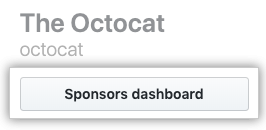
Under your name, click Sponsors dashboard.
-
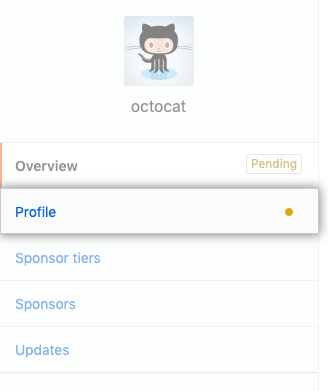
On the left sidebar, click Profile.
-
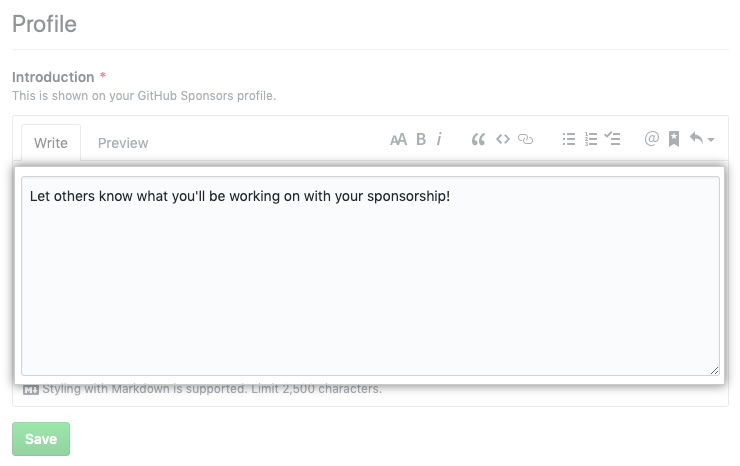
Under "Introduction", type a description of the work you'll do with your sponsorships.
-
Click Save.
