
Angular Bootstrap Mobile touch MDB Pro component
Angular mobile touch gestures - Bootstrap 4 & Material Design
Angular Bootstrap mobile gestures are touch-based interactions with mobile devices. A variety different fingers movements may indicate particular component responses.
MDB provides you with support for the most common touch gestures.
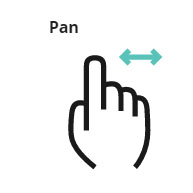


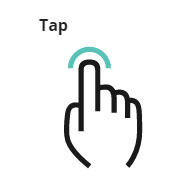
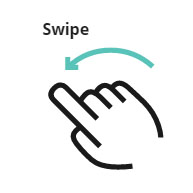

Carousel with gesture support
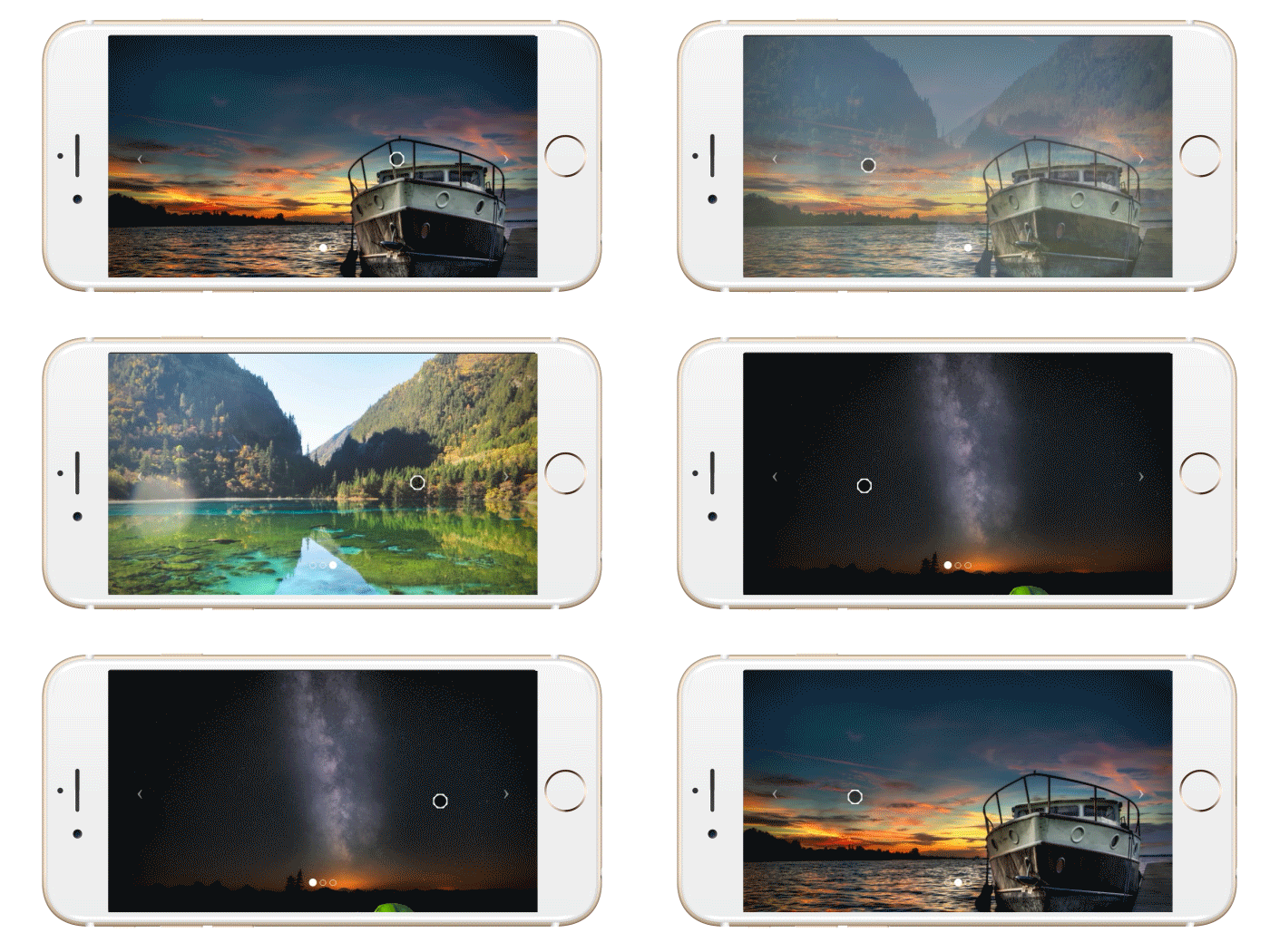
Click on the button below to launch a live example and see the Carousel with gesture support in action.
Live previewTo make it work, use the code below together with one of MDB carousels.
Note: Remember to set a corresponding ID in both Carousel and script.
        <mdb-carousel #carousel>
          [ Slides ]
      </mdb-carousel>
        import { Component, ViewChild, HostListener } from '@angular/core';

        @Component({
          selector: 'app-root',
          templateUrl: 'app.component.html'
        })

        export class AppComponent {
            @ViewChild('carousel', { static: true }) public el: any;

            @HostListener('swipeleft', ['$event']) public swipePrev(event: any) {
                this.el.previousSlide();
            }

            @HostListener('swiperight', ['$event']) public swipeNext(event: any) {
                this.el.nextSlide();
            }
        }
Usage
It’s easy to use, just add a global HammerJS config in app.module.ts file:
        import { HammerGestureConfig, HAMMER_GESTURE_CONFIG } from '@angular/platform-browser';
        declare var Hammer: any;

        export class MyHammerConfig extends HammerGestureConfig {
          overrides = <any> {
            'pan': { direction: Hammer.DIRECTION_All },
            'swipe': { direction: Hammer.DIRECTION_VERTICAL },
          };

          buildHammer(element: HTMLElement) {
            const mc = new Hammer(element, {
              touchAction: 'auto',
                  inputClass: Hammer.SUPPORT_POINTER_EVENTS ? Hammer.PointerEventInput : Hammer.TouchInput,
                  recognizers: [
                    [Hammer.Swipe, {
                      direction: Hammer.DIRECTION_HORIZONTAL
                    }]
                  ]
            });
            return mc;
          }
        }

        @NgModule({
          declarations: [
          ...
          ],
          imports: [
          ...
          ],
          providers: [
          ...,
            {
              provide: HAMMER_GESTURE_CONFIG,
              useClass: MyHammerConfig
            }
          ],
        })
Also, the viewport meta tag is recommended, it gives more control back to the webpage by disabling the double-tap/pinch zoom. More recent browsers which support the touch-action property don’t require this.
<meta name="viewport" content="user-scalable=no, width=device-width, initial-scale=1, maximum-scale=1">